Service
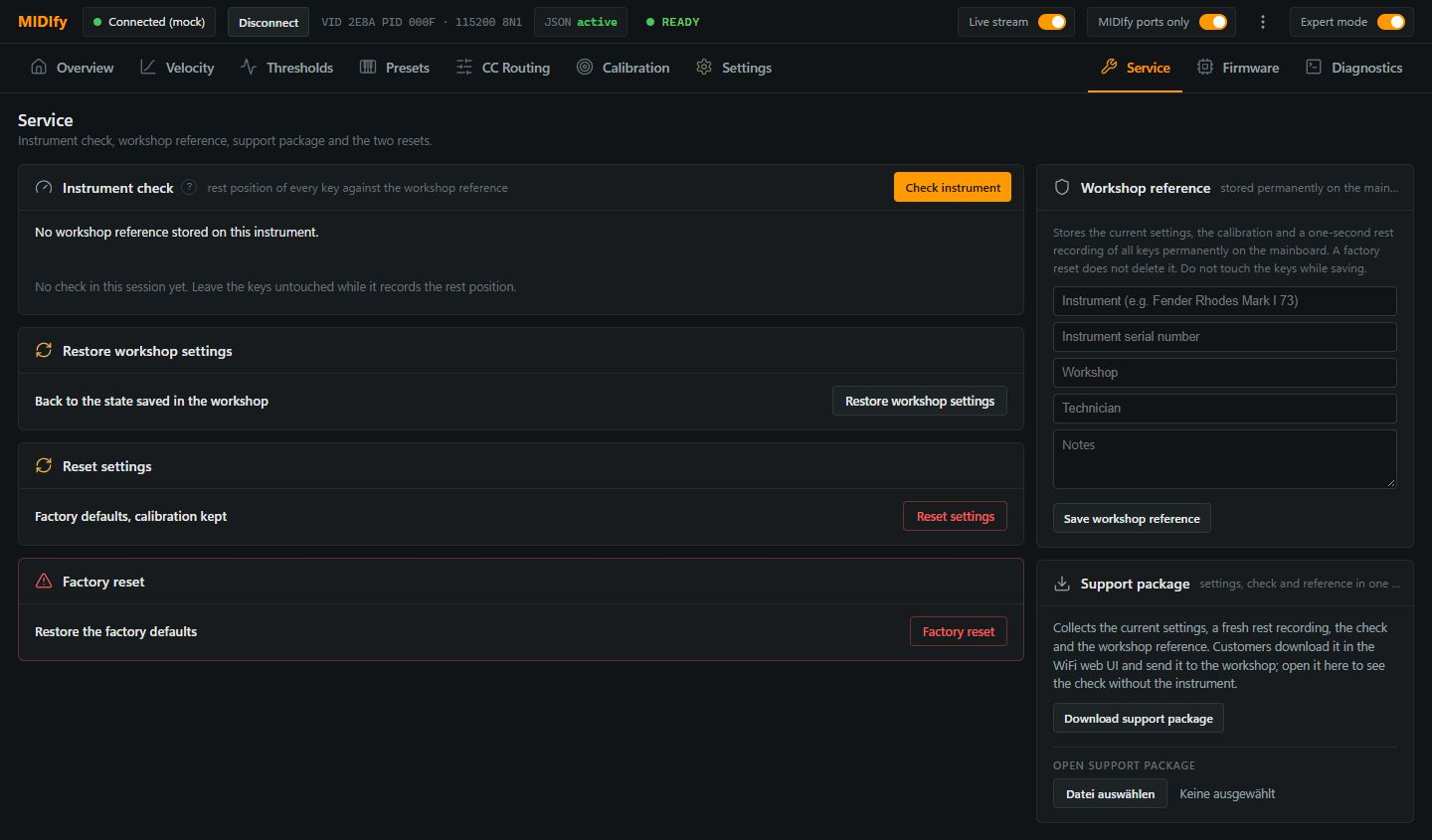
Use Service to compare the instrument with a saved workshop state, restore settings or collect information for troubleshooting.
Instrument check
Check instrument records the rest positions and compares them with the workshop reference stored on the mainboard. Leave all keys untouched during the recording; a saved workshop reference is needed for the comparison.
Restore or reset
| Action | What it changes |
|---|---|
| Restore workshop settings | Restores the saved workshop settings, optionally including sensor calibration, then restarts the mainboard. Choose the scope in the confirmation dialog. |
| Reset settings | Returns velocity, thresholds, presets, CC routing and MIDI settings to defaults, then restarts the mainboard. Key and pedal calibration, board assignment and instrument profile are kept. |
| Factory reset | Erases settings and calibration data. The workshop reference remains stored, but the instrument needs to be set up and calibrated again or restored from that reference. |
Workshop reference
Over USB, Save workshop reference stores the current settings, calibration and a one-second recording of all resting keys permanently on the mainboard. Save it after a checked setup and leave all keys untouched during the recording; it survives a factory reset.
Use the instrument, serial number, workshop, technician and notes fields to identify the saved state. Saving a new reference replaces the previous reference after confirmation.
Support package
Download support package collects the current settings, a fresh rest recording, the instrument check and the workshop reference into one file. Leave the keys untouched while it records, then send the downloaded file to the workshop when requested.
Open support package lets you inspect a previously saved package without connecting the instrument. Opening it displays its contents; it does not restore those settings to a connected instrument.