Calibration — Expert Mode
Expert Mode adds board assignment, calibration inspection and export tools alongside the normal calibration wizards.
Installation: Board enrollment and identification
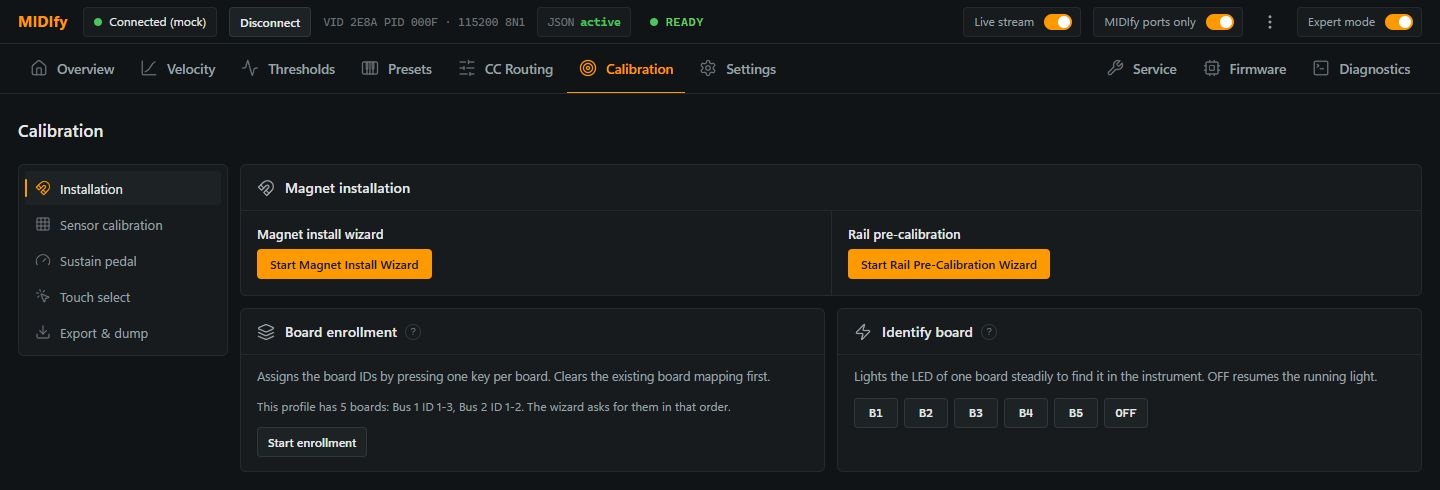
Start enrollment starts a new board assignment. Follow the displayed order and press one key on each requested board; this replaces the existing assignment. Retry current step repeats the current step and Cancel exits enrollment.
Use Identify board to locate a particular sensor board: select its button to light its LED continuously. Select OFF to return to the normal running light.
Sensor calibration: Rail position
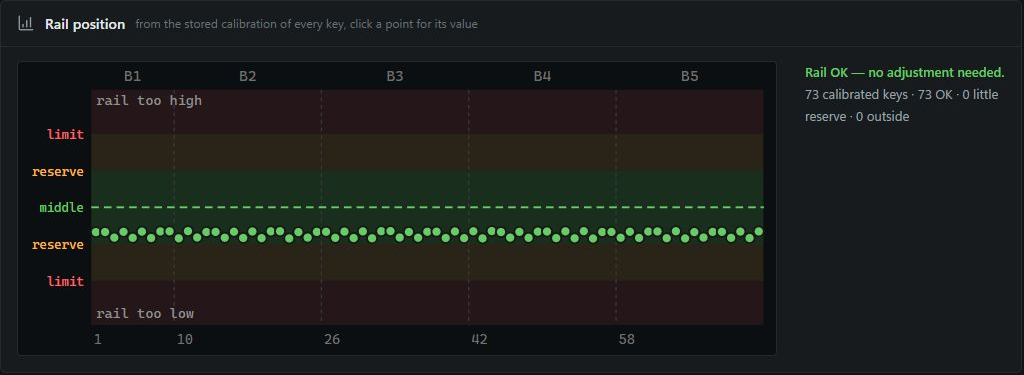
Rail position displays the stored calibration across the keyboard. Select a point to inspect its value when checking differences between keys.
Touch select
Press Start Touch Select, then touch a key to show its note, board, sensor and stored Rest and Pressed values. Editing Rest or Pressed writes the new value back to that key; use this for a targeted correction rather than repeating the full wizard.
Export & dump
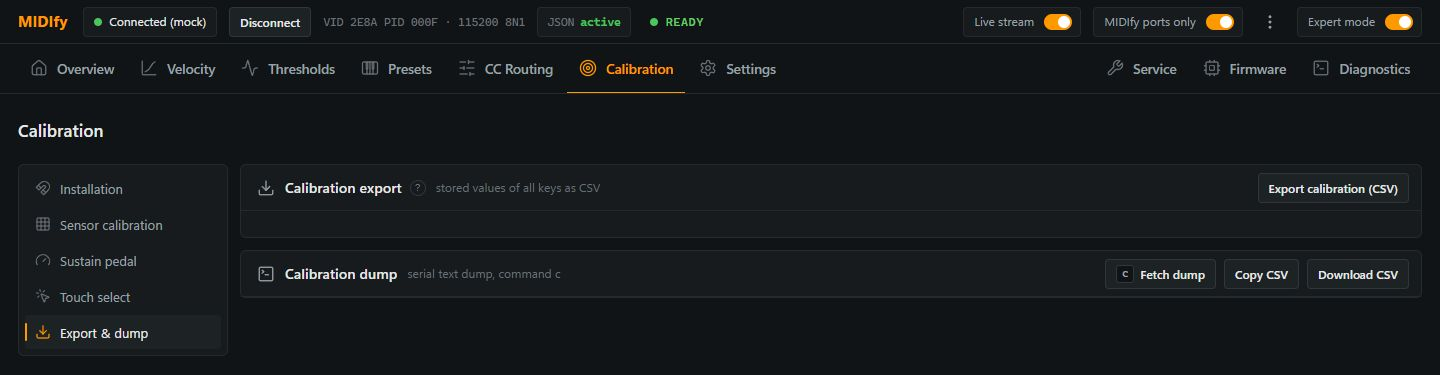
Export calibration (CSV) reads the calibration values and downloads them as a table for inspection or support. Check the export status for missing readings; the export does not restore calibration to the instrument.
Over USB, Fetch dump requests the firmware's calibration dump. Copy CSV copies the collected values and Download CSV saves them as a file.